Moving from QuickBooks Desktop?
QuickBooks Online has no Inventory Assembly item.
Partsemble brings back what you built with: bills of materials, Build Assemblies, and buying by the box while building by the each. QuickBooks Online stays your books.
14-day free trial. No credit card.


 Your companyBOMs
What QuickBooks Desktop had, and what QuickBooks Online doesn't.
Intuit stopped selling QuickBooks Desktop Pro Plus, Premier Plus and Mac Plus to new US subscribers after September 30, 2024, and QuickBooks Desktop 2023 was discontinued after May 31, 2026. Whenever you move, QuickBooks Online needs somewhere to keep your assemblies.
| QuickBooks Desktop | QuickBooks Online | Partsemble, beside QuickBooks Online | |
|---|---|---|---|
| Inventory Assembly item | On Premier and Enterprise, with its own bill of materials | No assembly item type | A bill of materials for every product, one inside another |
| Build Assemblies | One step used the parts and made the product, at cost | No build step | Plan and run builds. Stock and cost move together |
| Unit of measure | On Premier and Enterprise: buy by the box, use by the each | Not on any plan | Transfers turn a box into the units you build with |
| Cost of what you made | From the parts used | A bundle isn't tracked as inventory | Every build costed from the parts it used |
Inventory Assembly item
QuickBooks Desktop: On Premier and Enterprise, with its own bill of materials
QuickBooks Online: No assembly item type
Partsemble: A bill of materials for every product, one inside another
Build Assemblies
QuickBooks Desktop: One step used the parts and made the product, at cost
QuickBooks Online: No build step
Partsemble: Plan and run builds. Stock and cost move together
Unit of measure
QuickBooks Desktop: On Premier and Enterprise: buy by the box, use by the each
QuickBooks Online: Not on any plan
Partsemble: Transfers turn a box into the units you build with
Cost of what you made
QuickBooks Desktop: From the parts used
QuickBooks Online: A bundle isn't tracked as inventory
Partsemble: Every build costed from the parts it used
Why the usual workarounds don't hold.
Bundles
A bundle groups items on a sales form. Selling one draws the parts down, but nothing is built: no finished item in stock and no cost for what you made.
Adjusting stock by hand
It works until your second product. The recipe sits in a spreadsheet nothing checks, and every build is keyed by hand.
Tracking finished goods only
Quick to set up, and you give up stock levels on parts, reorder points and a real cost per unit.
 Your companyTransfers
Unit of measure, solved
Buy by the box. Build by the each.
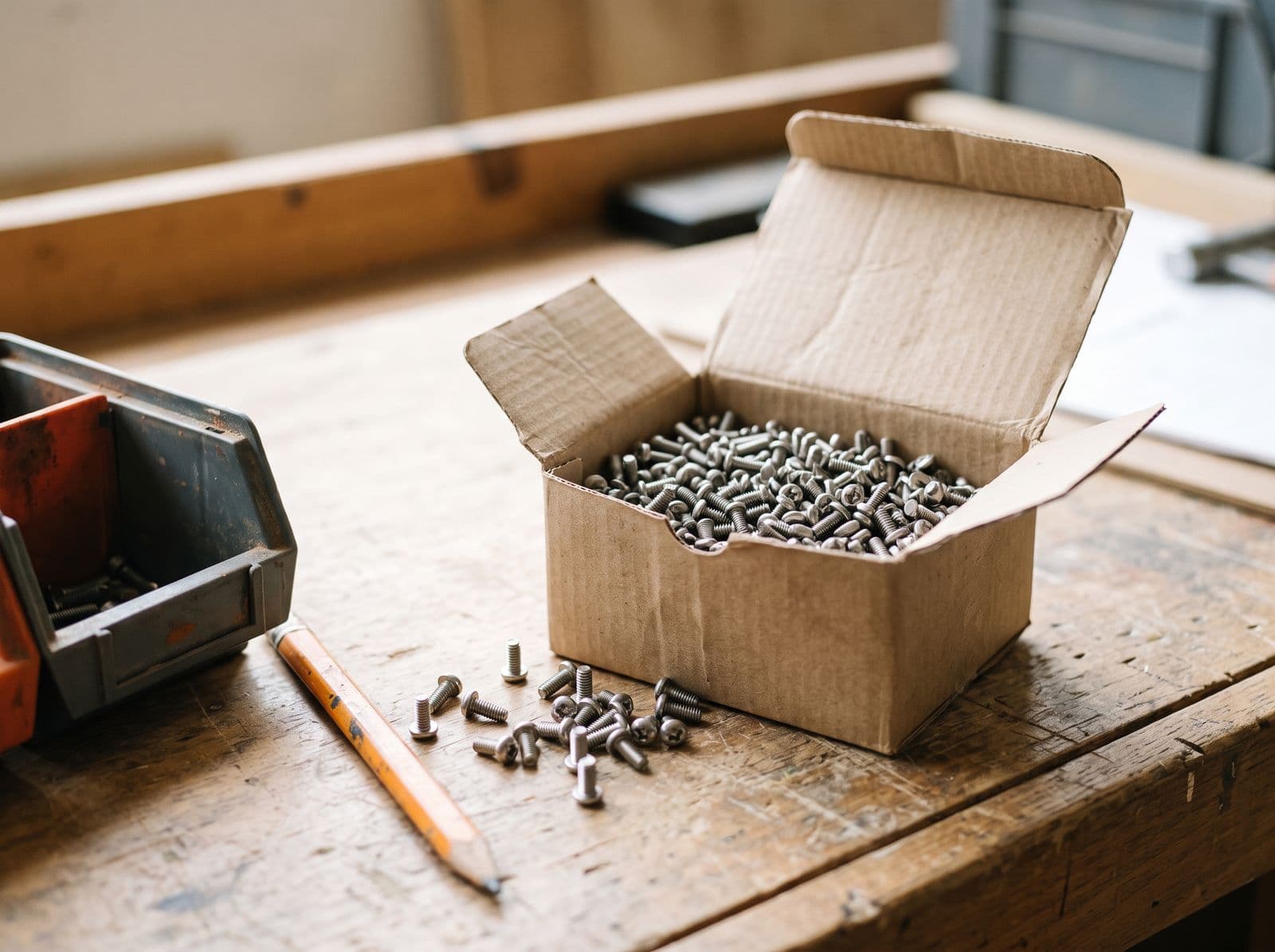
QuickBooks Desktop let you buy screws by the box and use them one at a time. QuickBooks Online has no unit of measure. In Partsemble, a transfer breaks the box down: one box of 1,000 screws at $40.00 becomes 1,000 screws at $0.04 each, ready for builds. QuickBooks Online goes down by one box and the value moves with it, in one step.
- Say once what a box, a case or a drum yields.
- Pick the container and how many.
- The cost per unit comes from what you paid.
Transfers are on the Advanced plan, with QuickBooks Online Plus or Advanced.
Most of your QuickBooks file never moves.
Comes into Partsemble
- The parts you build with, the sub-assemblies in between and the products you make
- Their bills of materials
- Opening counts, as of a date you choose
Stays in QuickBooks Online
- The rest of your item list
- Customers, vendors, invoices and bills
- Your chart of accounts and all of your history
Set it up yourself, or have us set it up with you.
Import your products and bills of materials from a spreadsheet.
Connect QuickBooks Online.
Run your first build and see what it cost.
Rather have a hand? Book a 30-minute demo and we'll set up your first products with you.
Book a demoStep by step in the help center: Moving from QuickBooks Desktop. How the connection works: QuickBooks Online.
Custom work
Every shop has one step no software gets right.
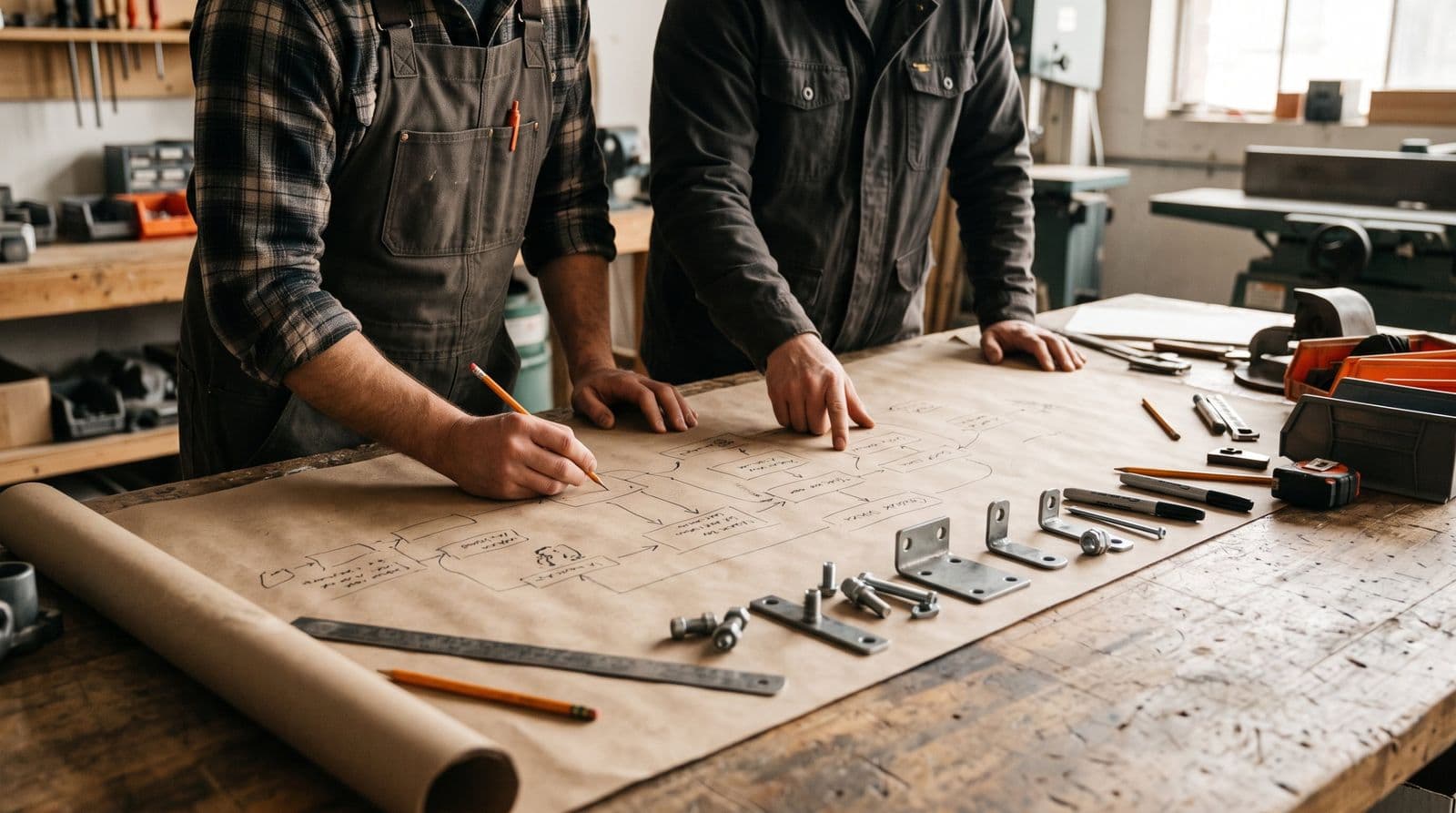
Bring us the spreadsheet you can't retire, the system you can't connect, or the step you still do by hand. We'll work it through with you and build it into Partsemble, so it runs where the rest of your assembly work does.
Every request is answered by someone who builds Partsemble.
Tell us what you needQuestions people ask before they move
Do I have to move my whole item list?
No. Only the parts you build with and the products you build. The items you buy and resell stay in QuickBooks Online, along with your customers, vendors, invoices and bills.
What happens to my QuickBooks history?
It stays where it is. Partsemble reads your item list and writes the entries you export. You start from opening counts on a date you choose, and your books carry on from there.
Can my accountant still see everything in QuickBooks?
Yes. QuickBooks Online stays your books, and every build lands there as an entry: a journal entry at what the build cost, or an inventory adjustment if you keep your inventory items in QuickBooks.
What if my quantities aren't whole numbers?
Bills of materials take quantities to four decimal places on every plan, so 2.5 feet of cable goes in as 2.5 feet. Builds record the same precision.
QuickBooks Online has no unit of measure. What about boxes and cases?
A transfer handles it. Say once what one box yields, then break down as many as you need. What it creates is costed from what the box cost. Transfers are on the Advanced plan, with QuickBooks Online Plus or Advanced.
Is this a QuickBooks app, or a separate system?
A separate application that connects to your QuickBooks Online company through Intuit's sign-in. You manage bills of materials and builds in Partsemble, and keep using QuickBooks Online for everything else.
Can I try it before talking to anyone?
Yes. The 14-day free trial needs no card, so you can build a bill of materials, run a build and see the entry in QuickBooks. If you'd rather see it with your own products first, book a demo.